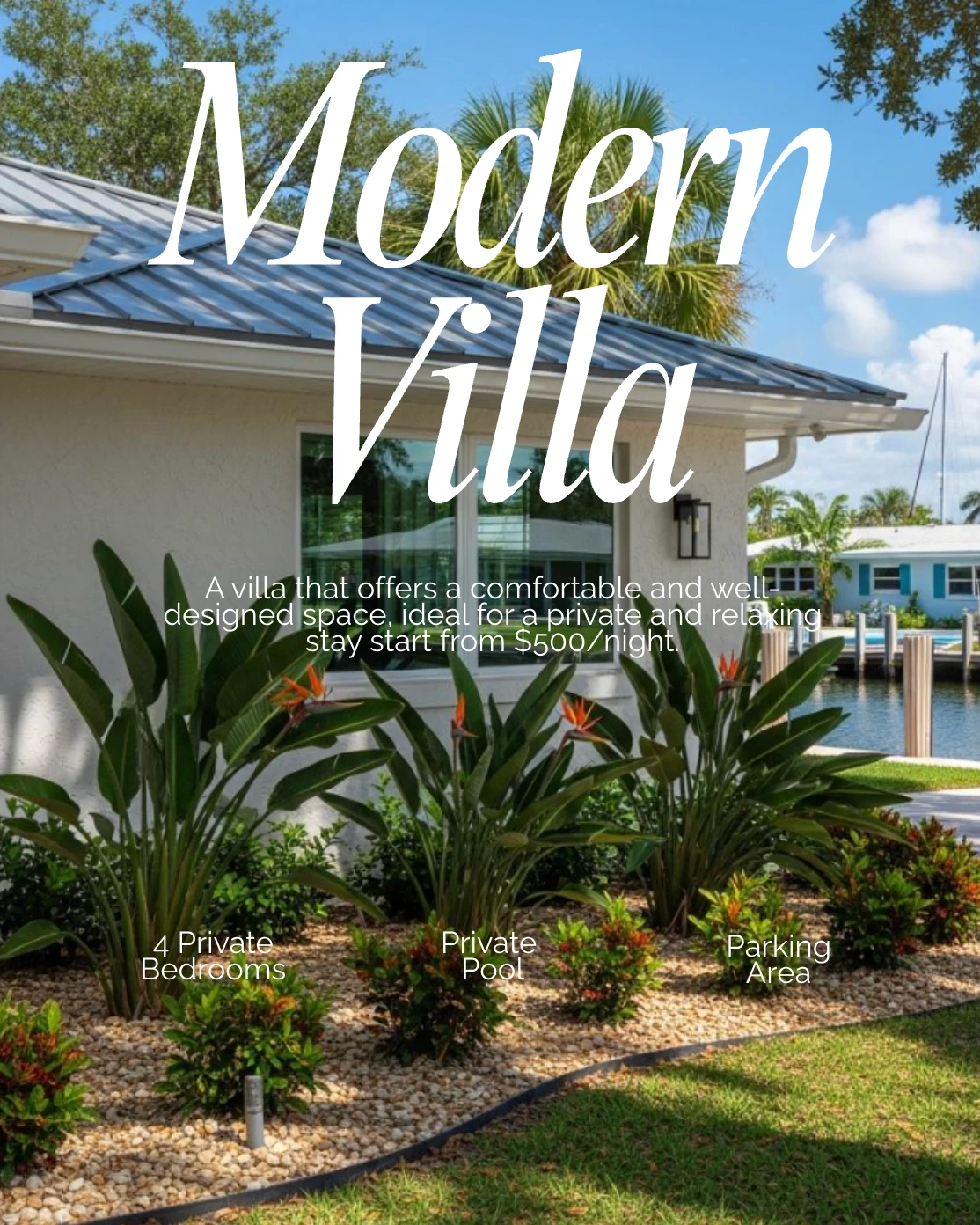
How do you turn one listing into a week of posts?
Paste the listing link once and the whole run gets built from it: the Just Listed announcement, the open house post, and the Just Sold post for the day it closes. Generate them in one sitting, space them across the calendar, and the listing promotes itself.
In this guideTable of contents
Why does one listing deserve more than one post?
Most agents post a listing once, on the day it goes live, and never mention it again. The listing has a lifecycle and each stage reaches a different person. New listings reach buyers, open houses reach neighbors, and the sold post is the one that reaches your next seller.
The Just Sold post is the one that gets skipped and the one that does the most work. A buyer scrolling past your new listing might be six months from moving. A homeowner two streets away who sees that you sold something quickly is thinking about their own house immediately, and that is a listing appointment rather than a lead.
Posting all three also costs almost nothing extra once you are already in the app. The reason it does not happen is not effort, it is memory. Nobody remembers to go back and post a sold announcement three weeks after the offer was accepted, which is why the fix is generating the whole run while the listing is in front of you.
The other thing a run gives you is a week of content that needed no ideas. You did not have to think of a topic, because the listing is the topic. That is the same logic as listing posts: the details are already structured, so the posts can be built from them rather than written from scratch.
How do you promote a listing in RealEstateContent.ai?
Six steps, and the first two are the only ones needing your attention. You add the listing, check what came through, then generate the whole run at once. Everything is branded to you automatically, so there is no design work at any point in this.
Add the listing
Paste the link in. The address, price, beds, baths, square footage and the features worth calling out are pulled in for you rather than typed.
Check the details
Skim what came through and fix anything wrong, or add a highlight the listing sheet missed. This is the only place an error can get in, so it is worth ten seconds.
Generate the Just Listed post
It comes back branded with your headshot, logo and colors, with a caption written to match. Swap in your own photos if the listing was shot professionally.
Generate the rest of the run now
While you are here, make the open house post and the Just Sold post too. They are faster to produce now than they will be to remember three weeks from now.
Space them across the calendar
Put Just Listed out now, the open house post a few days before the open house, and hold the sold post. Pick platforms for each one.
Publish the sold post the day it closes
This is the one worth setting a reminder for. It is the post that reaches the seller who has not called anyone yet.
Proof carousel heading (visually hidden): What agents say about promoting listings
Where does listing promotion usually go wrong?
Two failures account for nearly all of it. Agents post the announcement and stop, or they post the whole run in the same week and flood their feed. The run is meant to be spaced across the listing's life, not published all at once. The rest is unchecked details.
- Never posting the sold one. The highest-value post in the run is the one most often forgotten, because it comes weeks after your attention moved on.
- Publishing the whole run at once. Three posts about the same house in two days reads as advertising. Spread across three weeks it reads as a working agent.
- Not checking the imported details. A wrong square footage or a stale price is a public error with your name and face on it. Ten seconds of skimming prevents it.
- Only ever posting listings. A feed that is nothing but houses for sale gets muted. Mix the run into a planned week rather than making it the week.
- Announcing the price drop as a price drop. Reframe it as newly improved pricing or an updated opportunity, then post it as a fresh reason to look.
How do you make this automatic for every listing?
Attach it to something you already do. The moment a listing goes live in the MLS is the trigger, and generating the run becomes part of that same fifteen minutes. Do it while the listing is open in front of you, not later. Later is where the sold post goes to die.
Keep the sold posts in the calendar as unscheduled drafts rather than trying to remember them. When a closing date firms up, drag it onto that day and it goes out on its own. The work happened weeks ago, when you had the listing open anyway.
Idea starter (callout, 2 paragraphs):
Post the Just Sold with one line about how it sold rather than just that it sold. "Three offers in four days, eleven thousand over asking, and the sellers were packed before the inspection."
A homeowner in that neighborhood reads that and starts doing math on their own house. That is the post that books the listing appointment, and it costs you one sentence.
Frequently asked questions
These are the questions agents ask when they first paste a listing in, mostly about where the details come from and how much of the result they control. You can change anything before it posts, including every photo and every line of the caption.
Where do the listing details come from?
From the link you paste. Address, price, beds, baths, square footage and notable features are pulled in for you, and you can correct or add to any of them before generating.
Can I use my own photography?
Yes, and you should when you have it. Swap the pulled images for your professional shots, which matters most on the Just Listed post since that is the one buyers judge.
How many posts should one listing get?
Three is the reliable run: announcement, open house, sold. Add a price improvement or a walkthrough if the listing sits longer, but three covers the lifecycle for most homes without dominating your feed.
What if the listing is not mine?
Post it only if you have the right to market it, which usually means your own listings or a co-listing arrangement. Your brokerage's rules apply here rather than ours, so check them once.
How far apart should the posts go?
Announcement immediately, open house two or three days before the event, sold on closing day. That spacing follows the listing rather than your posting schedule, which is why it never feels repetitive.
Does the branding get applied automatically?
Yes. Your headshot, logo and colors are applied to every post in the run once you have set them, so nothing needs designing per listing and the whole set matches without any work.
Key takeaways
- The sold post is the valuable one. It reaches the homeowner who has not thought about selling yet, which is a listing appointment rather than a lead.
- Generate the whole run while the listing is open. The cost of doing it now is a minute. The cost of remembering later is usually the post never happening.
- Space it across the listing's life. Three posts in two days is advertising. Three posts across three weeks is a working agent.
- Check the imported details. It is the only place a public error can get in, and it takes ten seconds to prevent.
What agents say


Agents and brokerage owners using RealEstateContent.ai. Hover to pause.
Watch one listing become a week of posts
Leave your email and we will send you the quick 10 minute video guide. It covers the paste-and-check step, generating the full run in one sitting, and the spacing that makes three posts about one house read as normal.
Free. No spam, and you can unsubscribe from the first email.