How do you post video without ever filming yourself?
Record yourself once, for a few minutes, and your video twin is built from that recording. After that, making a video is typing. You write what you want to say, generate it, and your twin delivers it on camera. No filming, no setup, no retakes.
In this guideTable of contents
Why does video work when you do not want to be on camera?
Video is the format agents most want to post and least often actually do. What stops them is not the camera work, it is being on camera at all. A twin removes the part people dread and keeps the part that gets watched. You record once, then never again.
The honest version of this problem is not "how do I make video." Nobody is confused about how to hold a phone. It is that filming yourself takes four takes to get one you can stand looking at, and doing that every week is a commitment almost nobody keeps past the first month.
So the deal changes if the uncomfortable part happens once. You sit down, record a few minutes of yourself, and that is the last time a camera is involved. Every video after that is a script you type and a button you press.
What you get back is you, on screen, saying something you wrote. Not a stock presenter and not an animation. That matters, because the reason video works for agents is recognition. People hire the person they feel like they already know, which is why the AI Twin is built from your own recording rather than from a template.
How do you make an AI Twin video in RealEstateContent.ai?
Six steps, and five of them are typing. The recording happens once during setup, and everything after that is written. Your twin is built from your own recording, so what you get back is your face and your voice rather than a generic presenter reading a script at you.
Record yourself once
Follow the prompts on screen and record a few minutes of yourself talking. Good light and a quiet room are all it needs. This is the only time you are on camera.
Wait while your twin is built
Your twin is built from that recording. You get a notification when it is ready, so there is nothing to sit and watch while it happens.
Write what you want to say
Type the script, or start from a topic and have a draft written for you. Keep it short. Thirty to sixty seconds holds attention better than two minutes.
Generate the video
Your twin delivers the script on camera. Watch it back once. If a line sounds wrong written down it will sound wrong spoken, so fix the script rather than re-recording anything.
Add captions and music
Turn captions on, because most people watch without sound. Add music if it suits the post. Both are switches rather than an editing job.
Post it or schedule it
Send it out now, or drop it into the calendar for a day that suits you. From here it behaves like any other post in your week.
Proof carousel heading (visually hidden): What agents say about posting video
Where do AI Twin videos usually go wrong?
Almost always in the script, not the video. A twin reads exactly what you wrote, so a stiff script produces a stiff video and no amount of regenerating will fix it. Write the way you talk, then read it out loud once before you generate. The rest is length and captions.
- Writing for the page instead of the ear. Long sentences with clauses in the middle read fine and sound strange. Short sentences. One idea each.
- Going too long. A ninety-second video about a rate change is a lecture. Thirty seconds that make one point gets watched to the end.
- Skipping captions. Most people scroll with the sound off, so a video without captions is one most of your audience never hears.
- Recording the setup video in a bad room. Five minutes finding decent light pays off in every video afterward, because the twin is built from that footage.
- Making every video an ad. Three listing announcements delivered to camera are worse than three written ones. Use video for the things that need a face: explaining, reassuring, answering.
How do you keep making videos every week?
Give video a standing slot rather than deciding each week whether to make one. Most agents who keep it up write two or three scripts in the same sitting where they plan the rest of the week. The scripts are the work now, so batch them like any other writing. Ten minutes, three videos.
Keep a running note of questions clients actually ask you, because that list is your script queue and it never runs dry. When you sit down to plan the week, pull the top two questions off it and turn them into thirty-second answers. You are not inventing content, you are answering your inbox in public.
Idea starter (callout, 2 paragraphs):
Try three thirty-second videos this month: one answering the question you get asked most, one explaining a number in your market that people usually misread, and one walking through what actually happens between an accepted offer and a closing.
None of them mentions a listing, and all three make you the person who explains things. That is the kind that gets saved and sent to a spouse.
Frequently asked questions
Most questions here are about control, and about how much like you the result actually looks. The short version is that your twin is built from your own recording, it only ever says what you write, and you watch every video before anything posts.
How long does the recording take?
A few minutes of talking, following prompts on screen. Most agents are done inside ten minutes including finding a decent spot, and you do not repeat it for later videos.
Does it actually look like me?
It is built from your own footage, so it is your face and your voice rather than a presenter. Watch your first generated video before posting anything, which is the honest way to judge it.
Do I have to say the same script every time?
No. Write anything you want and your twin delivers it. That is the whole point of the setup: the recording happens once, and the words change every time. A new video is a new script.
Can I edit a video after it generates?
You change the script and generate again rather than editing footage. It takes less time than a re-record, and there is no video editing involved at any point. Captions and music stay switches.
Should I tell people it is an AI video?
That is your call and worth making deliberately. Many agents mention it once and find it becomes a talking point, since using the tool well reads as being good with technology.
What should my first video be about?
The question you answer most often on the phone. It is already rehearsed, you know it is useful, and it is the fastest way to see whether the format suits you at all.
Key takeaways
- The camera happens once. Every video after the setup recording is a script you type, which is why this survives a busy month and filming does not.
- The script is the whole job now. A stiff script makes a stiff video. Write the way you talk and read it out loud before you generate.
- Short beats thorough. Thirty seconds making one point outperforms two minutes covering five.
- Use video for what needs a face. Explaining, reassuring and answering. Listings can stay written.
What agents say
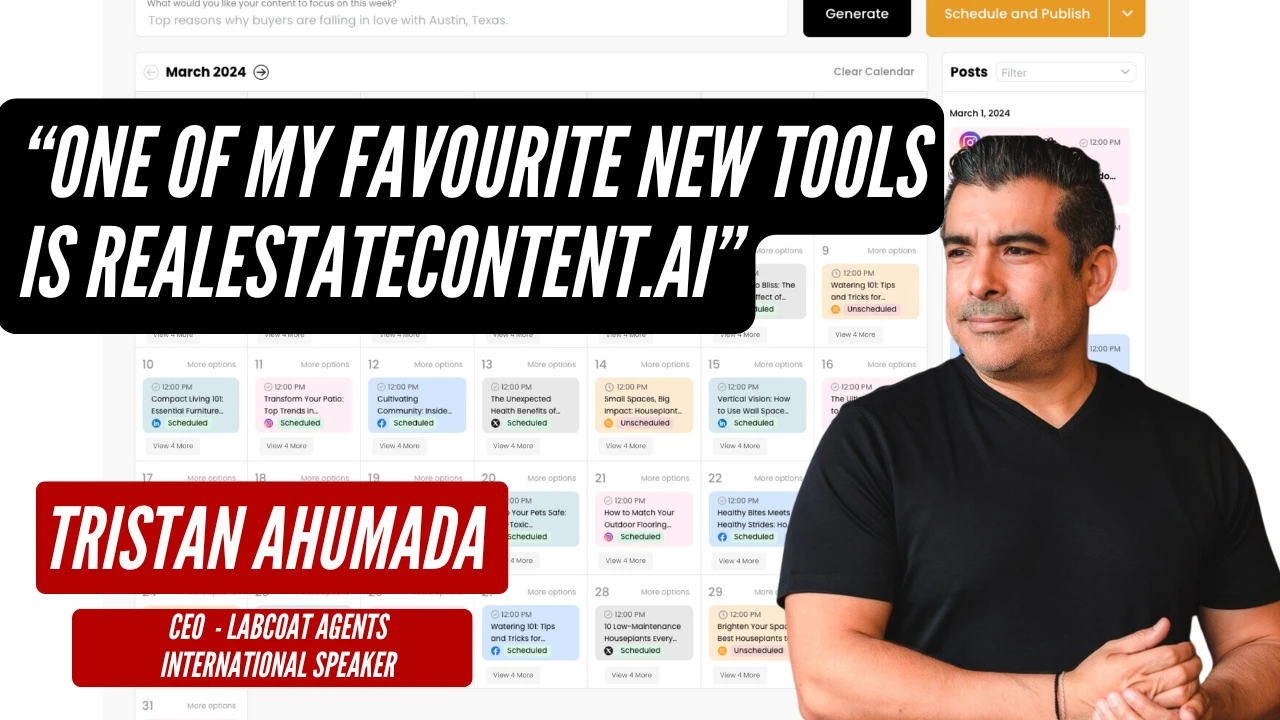
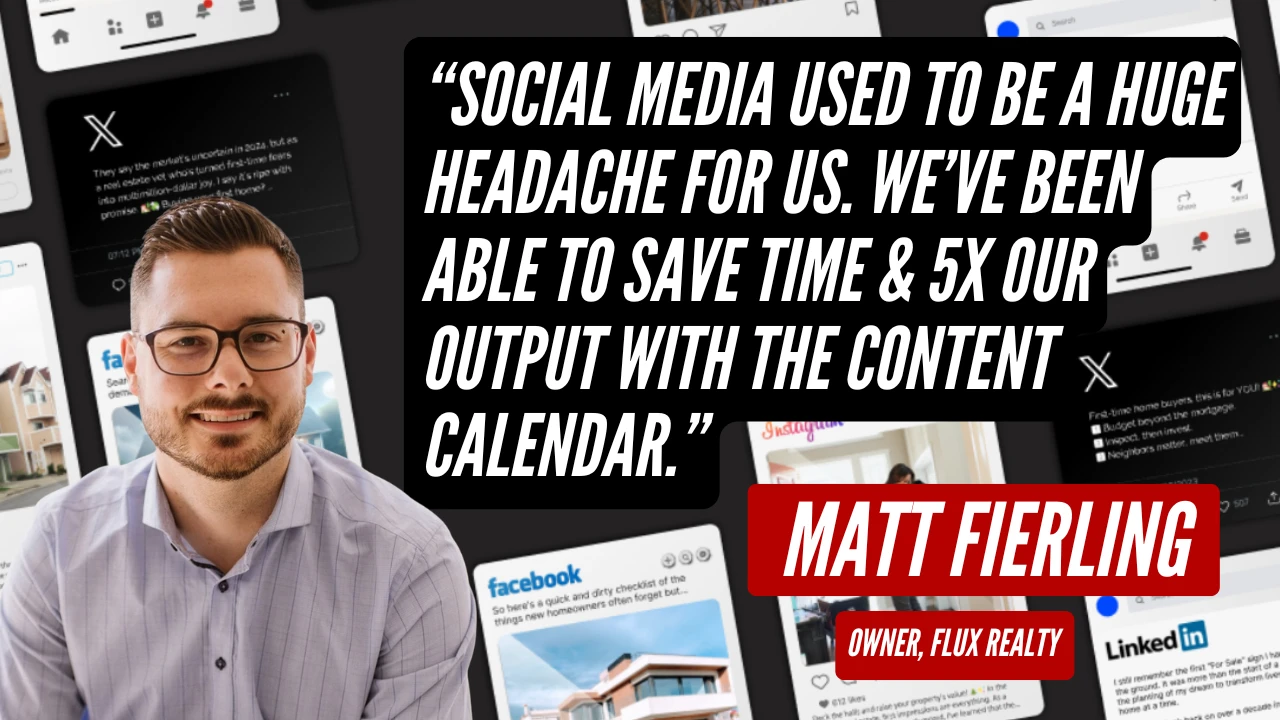
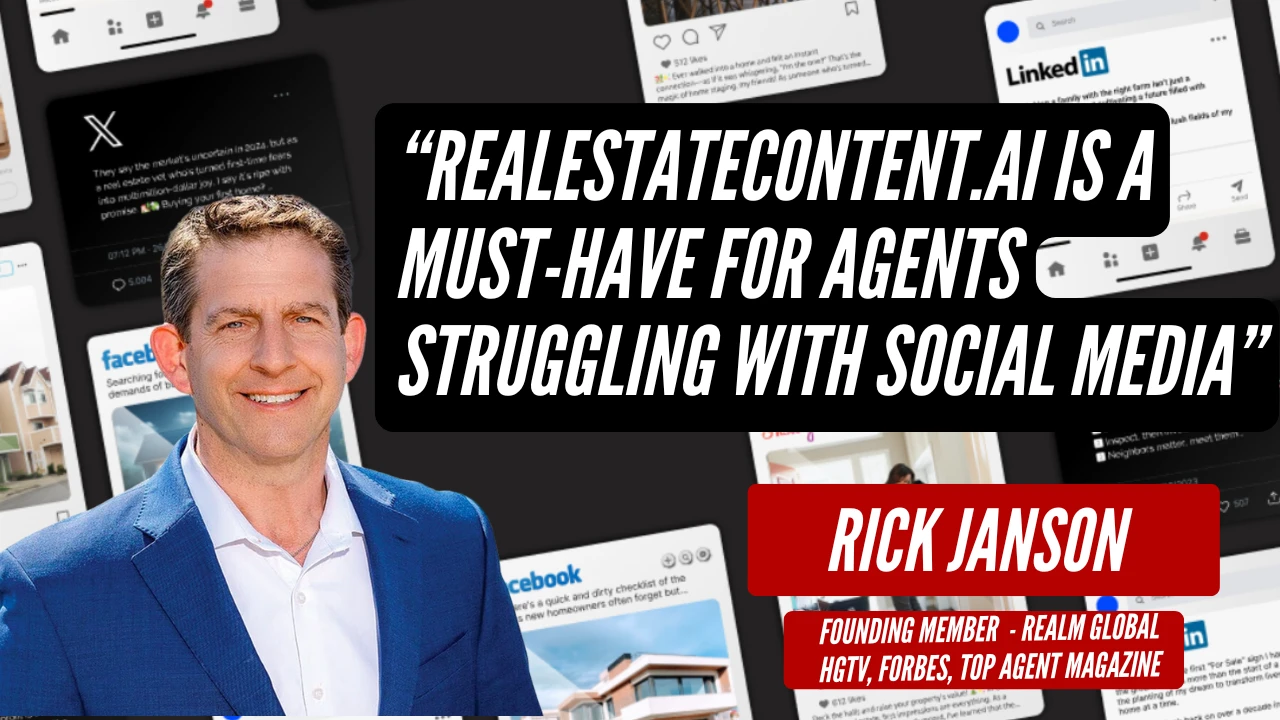
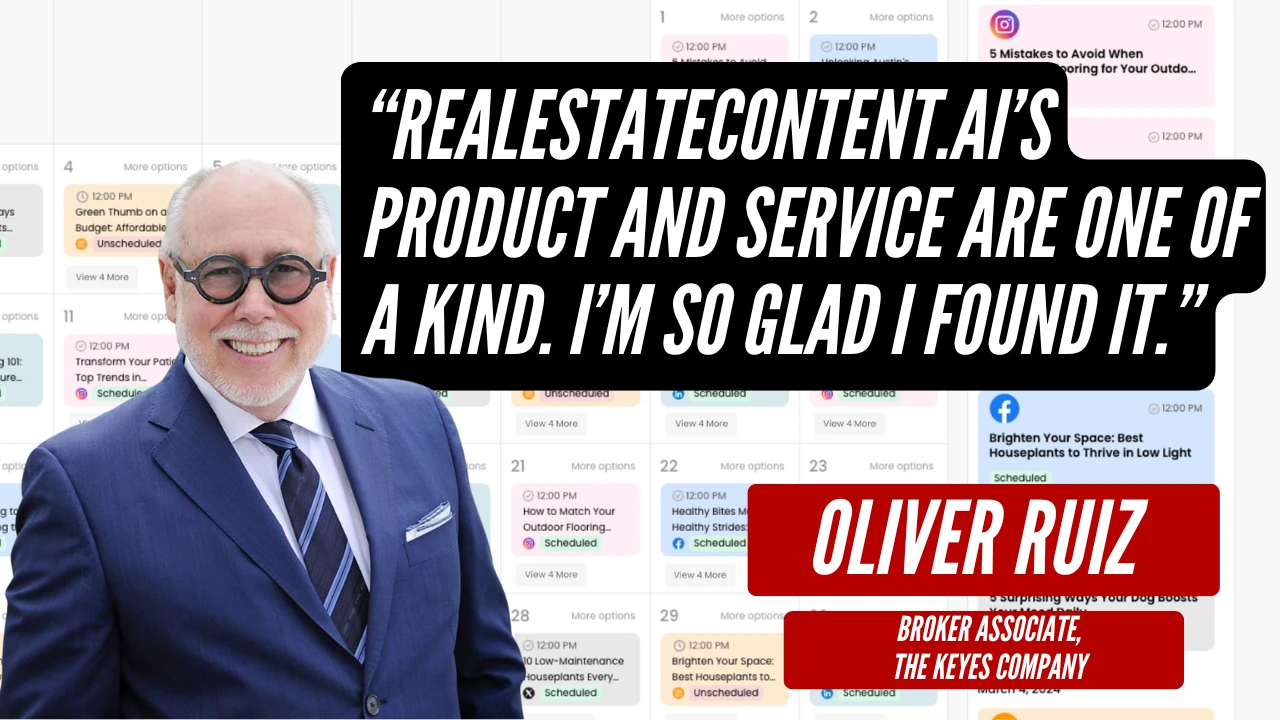
Agents and brokerage owners using RealEstateContent.ai. Hover to pause.
Watch a twin get built and a video get made
Leave your email and we will send you the quick 10 minute video guide. It covers the setup recording, how to write a script that sounds spoken rather than written, and the three video types agents get the most replies from.
Free. No spam, and you can unsubscribe from the first email.