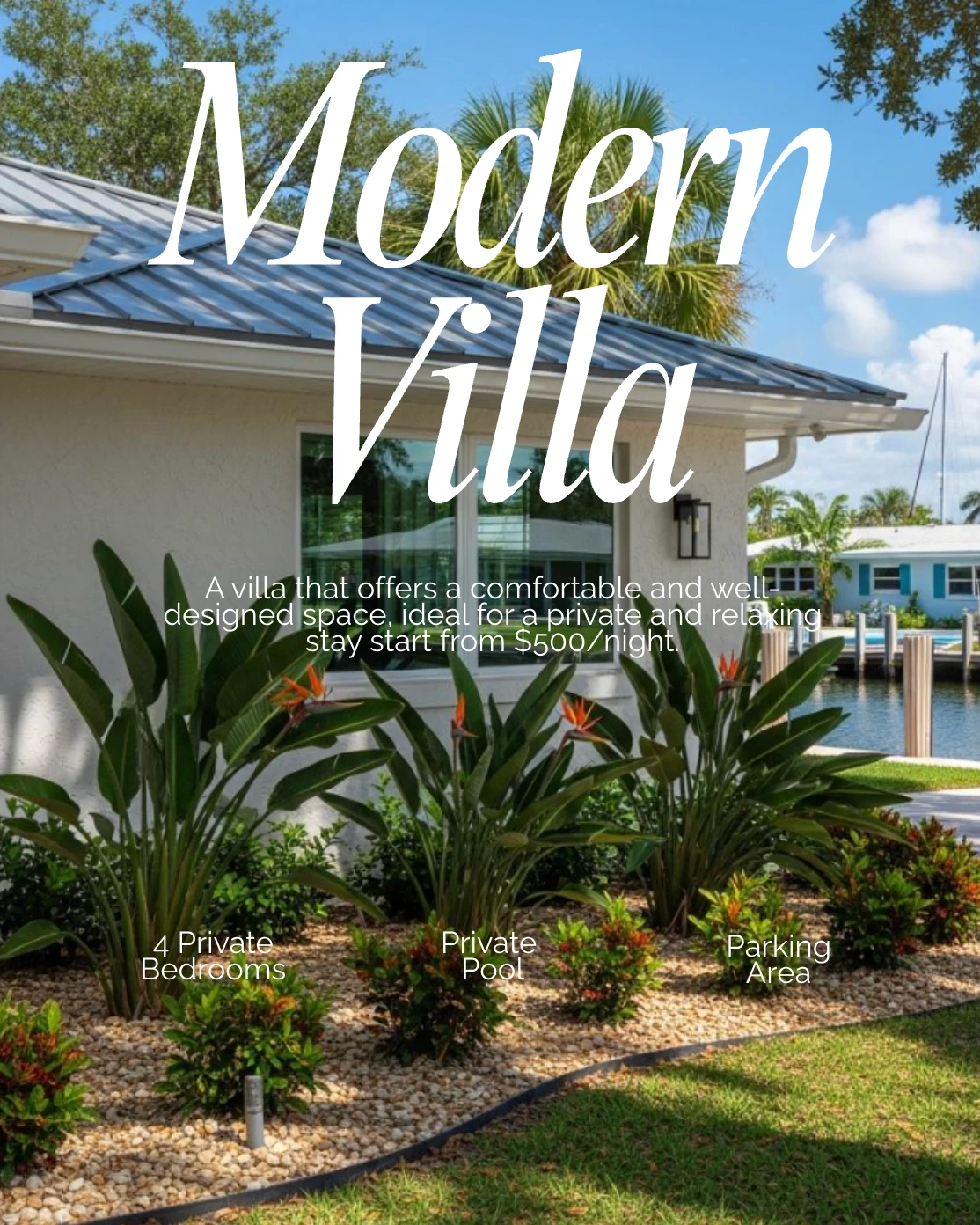
A video walkthrough built from your listing photos, in minutes.
Your listings are the easiest content you have and the most likely to get skipped when you are busy. Copy the link, and the whole run comes back: a video walkthrough built from your listing photos, plus a post for every stage from Just Listed to Just Sold.
Talk to a social media specialist


 2k+
2k+Putting their social media on autopilot
Higher output and stronger consistency
Compared to posting manually
Copy the link to your listing and the details and photos come across on their own. Turn the photos into a video walkthrough, delivered as a vertical Reel and a landscape version, or create an image carousel. Then choose the stages you want, from Just Listed to Just Sold, and schedule weeks of content.
How does a listing become a post?
Copy the link to your listing and the details come across on their own, so you are not retyping beds, baths and price into a graphic. Choose a video walkthrough or a carousel, pick the stages you want, and space the run across the listing's life on your calendar.
- 01
Add the listing
Copy the link to your listing and paste it in. The address, price, features, highlights and the photos all come across automatically, so you are not retyping any of it.
- 02
Pick what you want back
Choose a video walkthrough built from your listing photos or a carousel of images, then pick the stage you are at: Just Listed, For Sale, Open House, Price Improvement, Coming Soon, Just Sold or For Rent. Video comes back as a vertical Reel and a landscape version for different social platforms. Everything arrives branded, with a caption to match.
- 03
Schedule the run
Pick up to seven publishing days in one go, with a different stage on each, and the whole run lands on your content calendar. Just Listed today, Open House Friday, Just Sold when it closes. They publish on their own while you are running showings.
What can you actually do with it?
One listing is worth more than one post. Copy the link and the details fill themselves in, the photos become a video walkthrough, every stage from Just Listed to Just Sold has its own post, and everything arrives branded. That turns a single announcement into weeks of visible activity.
The link does the typing
Copy the link to your listing and the beds, baths, square footage, price, features and photos all come across. You are not retyping the same information into a graphic for the fourth time.
The photos become a walkthrough
The same photos that market the listing online become a video walkthrough of the property, as a vertical Reel and a landscape version for different social platforms. No filming or editing software required.
A post for every stage
Just Listed, For Sale, Open House, Price Improvement, Coming Soon, Just Sold. One listing carries you through weeks of content instead of a single announcement, and the sold post is the one a future seller reads.
Branded before you see it
Every listing post arrives with your headshot, logo, colors and contact details already on it, in the right shape for the selected format. If you want to adjust an image carousel, open the design studio.
What agents say when listings stop being extra work.
The listing description is the part agents are most surprised to get back, because they came for the social posts. It is the same details doing the work twice. Between the posts and the description, one paste covers most of what a new listing needs written.
RealEstateContent.ai has been a total game-changer for my business. The content is on-brand, high quality, and actually relevant to what my clients care about. I've saved hours every week by automating social posts, emails, and even listing descriptions.
 Austin Hellickson Owner, Homexa
I am not great at technology, and agents ask me how I am making the videos.
Brenda SavageREAL ESTATE AGENT
We do a whole month of content in one day.
Crystal TostManaging Partner
We 5x'd our output with the content calendar.
Matthew FierlingOwner, Flux Realty
A real online presence, without the time sink.
Amy YoungrenFounder, North Group
Their AI gets real estate better than marketers I have hired.
Austin HellicksonOwner, Homexa
It saves me at least six hours every week.
 Emma Nicholson
Client Experience
I am not great at technology, and agents ask me how I am making the videos.
Brenda SavageREAL ESTATE AGENT
We do a whole month of content in one day.
Crystal TostManaging Partner
We 5x'd our output with the content calendar.
Matthew FierlingOwner, Flux Realty
A real online presence, without the time sink.
Amy YoungrenFounder, North Group
Their AI gets real estate better than marketers I have hired.
Austin HellicksonOwner, Homexa
It saves me at least six hours every week.
Emma NicholsonClient Experience
Most agents post a listing once. The sold post is the one a future seller actually reads.
Leave your email and we'll send you the quick 10 minute video guide on how real estate agents are crushing it with listing posts. How to run a listing from Just Listed through Just Sold, how to space the posts out, and how to write a sold post that makes the neighbors do math on their own house.
Free. No spam, and you can unsubscribe from the first email.
Frequently asked questions
Where do the listing details come from?
Copy the link to your listing and paste it in. The address, price, beds, baths, square footage, features and photos all come across on their own. If something is missing or reads wrong, edit any field yourself before you generate.
What format does the listing video come in?
Both. A vertical Reel and a landscape version for different social platforms, built from the same listing photos. You do not have to choose one format and recut it later.
Can I use my own photos?
Yes, and they are what the video walkthrough is built from. Choose the photos you want and put them in the order you want them seen, with your cover shot first. On a listing the photography is doing most of the selling, so it should be yours.
What if the copy is not quite right for this property?
Edit it, or use content creation to generate another version. You approve every post before it goes out, so nothing publishes with the wrong tone on a listing that matters. On a high-value property that thirty-second read is worth doing.
Which posts can I make for one listing?
A video walkthrough built from your listing photos, an image carousel, or both, at any stage: Just Listed, For Sale, Open House, Price Improvement, Coming Soon, Just Sold and For Rent. Most agents make the full run at once and schedule it across the listing's life using the content calendar, because producing it now is easier than remembering later.
Can it write the listing description as well?
Yes. From the same details you pasted in, you can generate a description or sharpen one you have already written. If the description reads flat, that is usually faster than trying to fix it yourself at the end of a long day.
How long does a full run take?
Minutes. The details are already in, so making the open house and sold posts while you are there is faster than coming back later. The sold post is the one worth not forgetting, since it is the proof a future seller is looking for.