How do you edit a post without opening Canva?
Set your brand up once, then edit posts where they already live. Change the words, swap the photo, drop the background out, and resize for wherever it is going. No exporting, no reuploading, and no second tab open next to the one you are working in.
In this guideTable of contents
Why does editing in one place matter?
Every edit that leaves the app costs more than the edit itself. You export, switch tools, make one change, export again, then reupload. The friction is the file shuffle, not the design work. Editing in place means a five-second change takes five seconds.
Most agents are not trying to design anything. They want to fix a typo, use a better photo, or make the same post fit a story instead of a feed. Those are not design jobs, but in a two-tool workflow every one of them becomes one.
The second cost is consistency. When posts get finished in a separate tool, your brand lives in whatever that file happened to use. Colors drift, the logo ends up at three different sizes, and six months of posts do not look like they came from the same person. Setting the brand once, in the place the posts are made, is what stops that.
The third is that most edits are the same handful of things. Words, photo, background, size. Once those four live in one panel, the whole job stops feeling like design and starts feeling like typing, which is also the point of the editor.
How do you edit a post in RealEstateContent.ai?
Six steps, and the first one is the only one you do once. Set your brand, then every future edit is picking the thing you want to change. Your logo, colors and fonts apply themselves to everything after that, so consistency stops being something you maintain.
Set your brand up once
Add your logo, headshot, colors and fonts. Every post from here forward uses them automatically, which is the step that saves the most time overall.
Open the post you want to change
Open it where it already sits in your calendar. There is no export, no download and no separate file to keep track of.
Fix the words
Click the text and type. Headlines, captions and the small print all edit in place, and the layout adjusts rather than breaking when a line gets longer.
Handle the photo
Swap in a better image, or drop the background out of the one you have. This is the step agents expect to be hard and it is a single control.
Get the size right
Pick the format for where it is going. Square for a feed, portrait for a story. The layout adjusts to fit rather than cropping badly.
Save it as your own template
If you like how it turned out, save it. Next time you start from this rather than from blank, and your posts begin to look like a set.
Proof carousel heading (visually hidden): What agents say about branded posts
Where do post edits usually go wrong?
Agents either skip the brand setup and then fix the same things on every post forever, or they treat each edit as a design project. The setup is fifteen minutes once and it removes most edits permanently. After that, the failures are mostly about size and legibility.
- Skipping the brand setup. Every post you make before setting it up is a post you will want to redo. It is the one step worth doing before anything else.
- Editing the same thing every week. If you keep making the same correction, save it as a template. A recurring fix is a setting you have not changed yet.
- Posting one size everywhere. A square post in a story slot gets cropped badly. Pick the format for the destination rather than making one and hoping.
- Too many words on the image. If the text does not read on a phone at arm's length, it does not read. Put the detail in the caption instead.
- Using a low-resolution photo. No edit rescues a blurry source image. Better to change the photo than to work on the one you have.
How do you stop editing the same thing every week?
Turn every repeated edit into a saved template. If you find yourself making the same change on the third post in a row, that is not an edit, it is a setting. Fix it upstream once instead of fixing it downstream forever. Templates are where that fix lives.
Build a template for each post you make often. A market update, a testimonial, a Just Listed. Get each one exactly right a single time and every future version starts from finished rather than from blank. This is also what makes a feed look designed without anyone doing design.
Idea starter (callout, 2 paragraphs):
Build one saved template for the post you make most often, whatever that is for you. A market update, a testimonial, a Just Listed announcement.
Get it exactly right one time and every future version of that post takes under a minute. Do this for your top three and most of your posting becomes filling in the blanks.
Frequently asked questions
These are the questions agents ask before they trust an editor with a post that has their face on it. The short answers: your brand applies itself, nothing is permanent until you post, and the design skill required is genuinely none.
Do I need any design experience?
No. The brand setup handles the decisions a designer would make, and everything after that is typing, swapping a photo, or picking a size from a list. There is nothing to learn.
Can I remove the background from a photo?
Yes, with one control. It is the edit agents most expect to be difficult, and it is the reason a lot of posts previously needed a second tool open beside this one.
Will my posts look the same as everyone else's?
Not once your brand is set, since your logo, colors, fonts and headshot are applied to everything. Saved templates push it further, because those are layouts nobody else has, built from your own posts.
What sizes should I be making?
Square for feeds and portrait for stories covers most of it. Pick the format for the destination rather than making one version and hoping it survives the crop, because it usually does not.
Can I undo an edit?
Yes. Nothing is final until the post publishes, so you can change or revert anything while it is still sitting in your calendar. That includes posts you already approved for this week.
Can I still use Canva?
If you are one hundred percent set on Canva, there is a built-in integration and the door is right where you left it. Most agents stop opening it once their brand is set and their templates are saved.
Key takeaways
- The brand setup is the whole game. Fifteen minutes once removes most future edits, and it is the step people skip.
- Edit where the post lives. The cost of a two-tool workflow is the file shuffle, not the design, and it turns five-second changes into five-minute ones.
- A repeated edit is a missing template. If you fix the same thing three times, save it instead.
- Pick the size for the destination. A badly cropped post undoes good design faster than anything else on this list.
What agents say
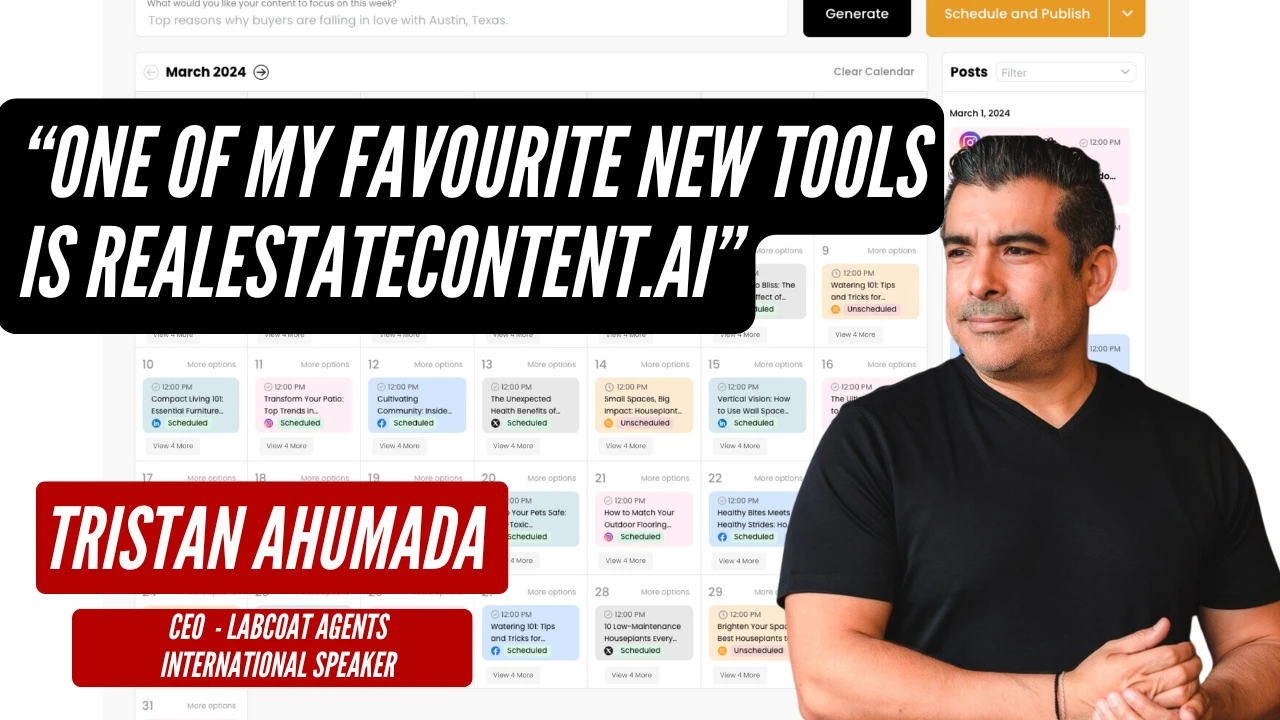
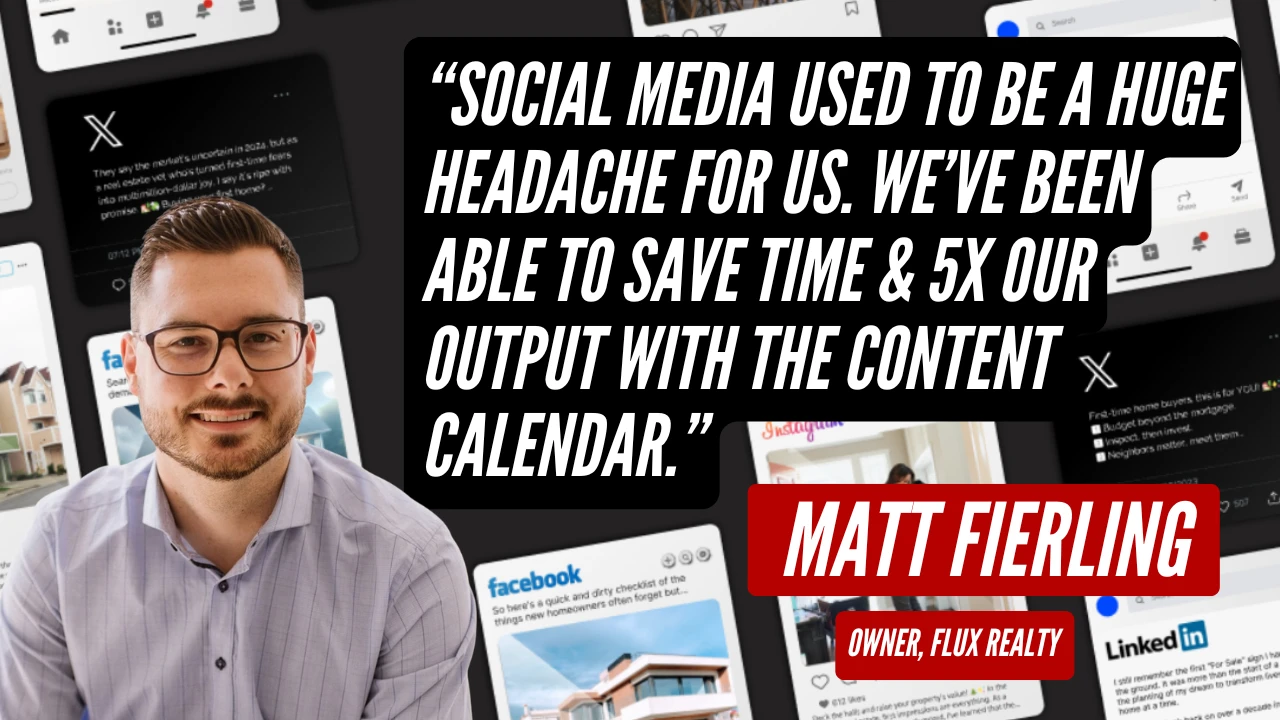
Agents and brokerage owners using RealEstateContent.ai. Hover to pause.
Watch a post get branded, edited and resized
Leave your email and we will send you the quick 10 minute video guide. It covers the brand setup worth doing first, the four edits that cover almost everything, and how to turn a post you like into a template you reuse.
Free. No spam, and you can unsubscribe from the first email.