Why does the brief matter after I connect?
The connector supplies account context and tools. The brief tells the Bot what job to do with them. “Handle my social media” leaves too much open: which dates, which listings, how many posts, and what should happen to content already scheduled?
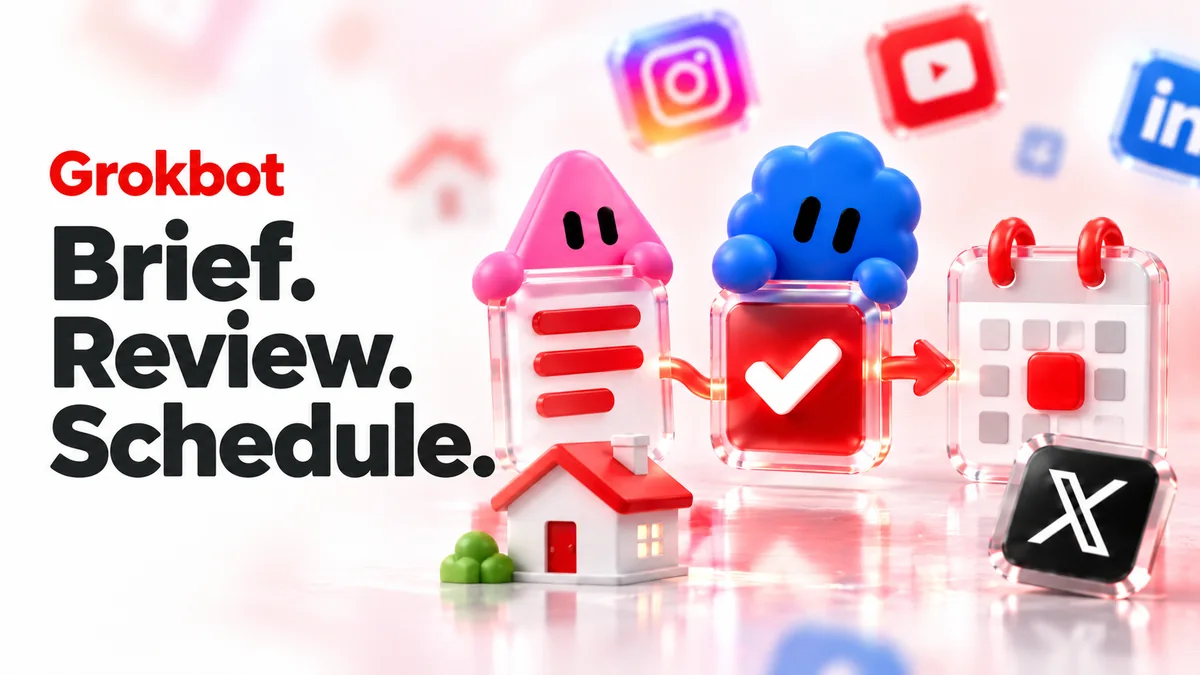
We recommend naming the outcome in one sentence, then supplying the decisions that affect the calendar. Start with the RealEstateContent.ai connection if the tool is not attached to the task. The main Grokbot page covers the product workflow.
What should a complete content brief contain?
| Part of the brief | What to specify |
|---|---|
| Outcome | The content or calendar result you want. |
| Context | Saved brand, intended audience and selected current listings. |
| Dates | Date range, posting pace and time zone. |
| Preserve | Existing posts or content you do not want changed. |
| Review | What must be shown before any scheduling action. |
| Completion | The evidence you want for each successful or unsuccessful item. |
You do not need a complicated prompt. These details make the work concrete enough to review. If one is unknown, ask the Bot to flag it rather than deciding silently.
What is a practical prompt I can adapt?
Use the attached RealEstateContent.ai connector to plan November 1 through 30 for my saved audience. Read my brand, current listings and existing calendar first. Propose posts only for the open dates, at three posts per week. Preserve existing content. Show full captions, media, channels, dates and time zone for review. Wait for my approval before scheduling. Afterward, report each scheduled item and anything still in draft or needing attention.
This is an illustrative brief, not an executed account task. Change the dates, pace and listing selection for your business. A brief can be shorter for a single post. Keep the review boundary and completion request even when the job is small.
What should I look for in the proposed work?
Read the output against the requested job. Did the Bot use the intended brand? Did it preserve existing posts? Does each caption have the right media and current facts? Are the proposed dates actually open? Ask for missing details before approving the schedule.
If the content is repetitive, correct the mix rather than requesting a longer list. If it has unsupported local claims, replace those with information you can verify. A connected workflow should reduce repeated transfer of information, not make a questionable draft harder to notice.
What should the completion report say?
- PreparedIdeas and drafts are ready for review.
- ScheduledApproved posts have confirmed calendar dates and destinations.
- Needs attentionA specific action failed, access is missing or a draft remains unfinished.
After approval, ask the Bot to report the calendar result, not just say the job is done. Open the RealEstateContent.ai calendar and verify the intended posts and times. If the report says only that captions were created, scheduling may still be outstanding.
The drafting versus scheduling guide explains these stages across all three assistants.
How do I recover without duplicating the work?
If part of a batch fails, ask which items succeeded and which did not. Check the current calendar before retrying. Then repeat only the failed action, with the intended content and date made explicit. Avoid resubmitting a whole month because one destination needed attention.
For an ongoing routine, make the next job a calendar check rather than another blind content batch. Use the gap-filling workflow to preserve existing posts and add only what is useful. The complete Grokbot guide puts setup, briefing and confirmation together.